
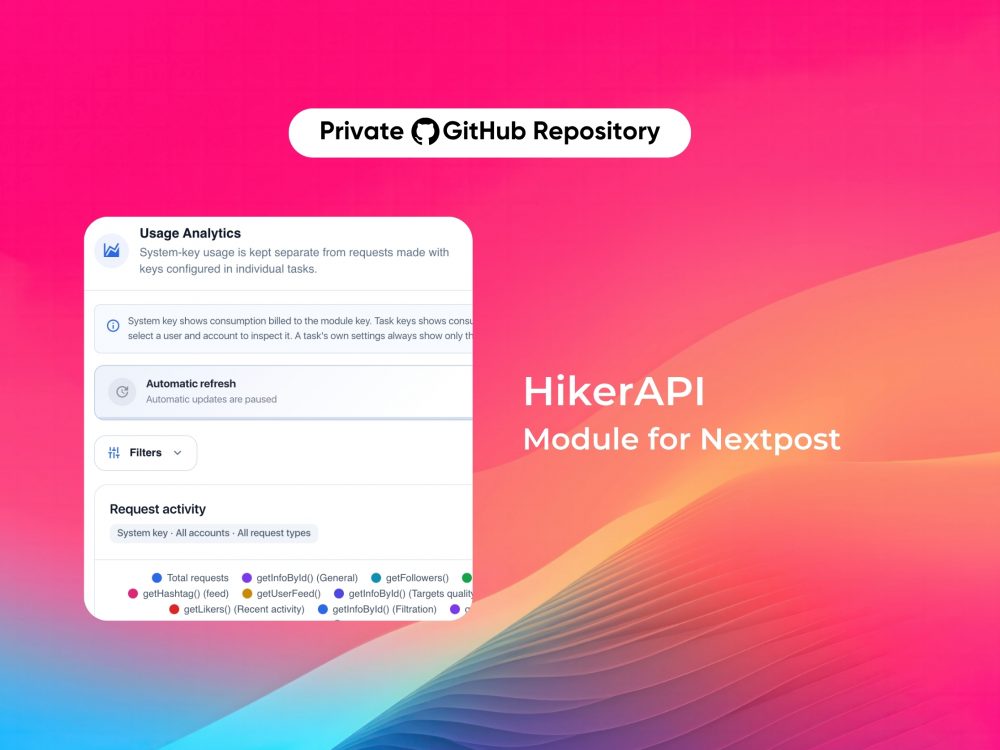
HikerAPI module for Nextpost
Connect Nextpost with HikerAPI and use a reliable external data source for information retrieval, targeting, filtering and automation workflows — with built-in request limits, usage analytics and cost monitoring.
HikerAPI provides programmatic access to public data including profiles, followers, following, posts, reels, stories, hashtags, locations and other data through a large collection of API endpoints.
Choose the right plan for you
- R$506
- HikerAPI integration for Nextpost
- 10 request types supported
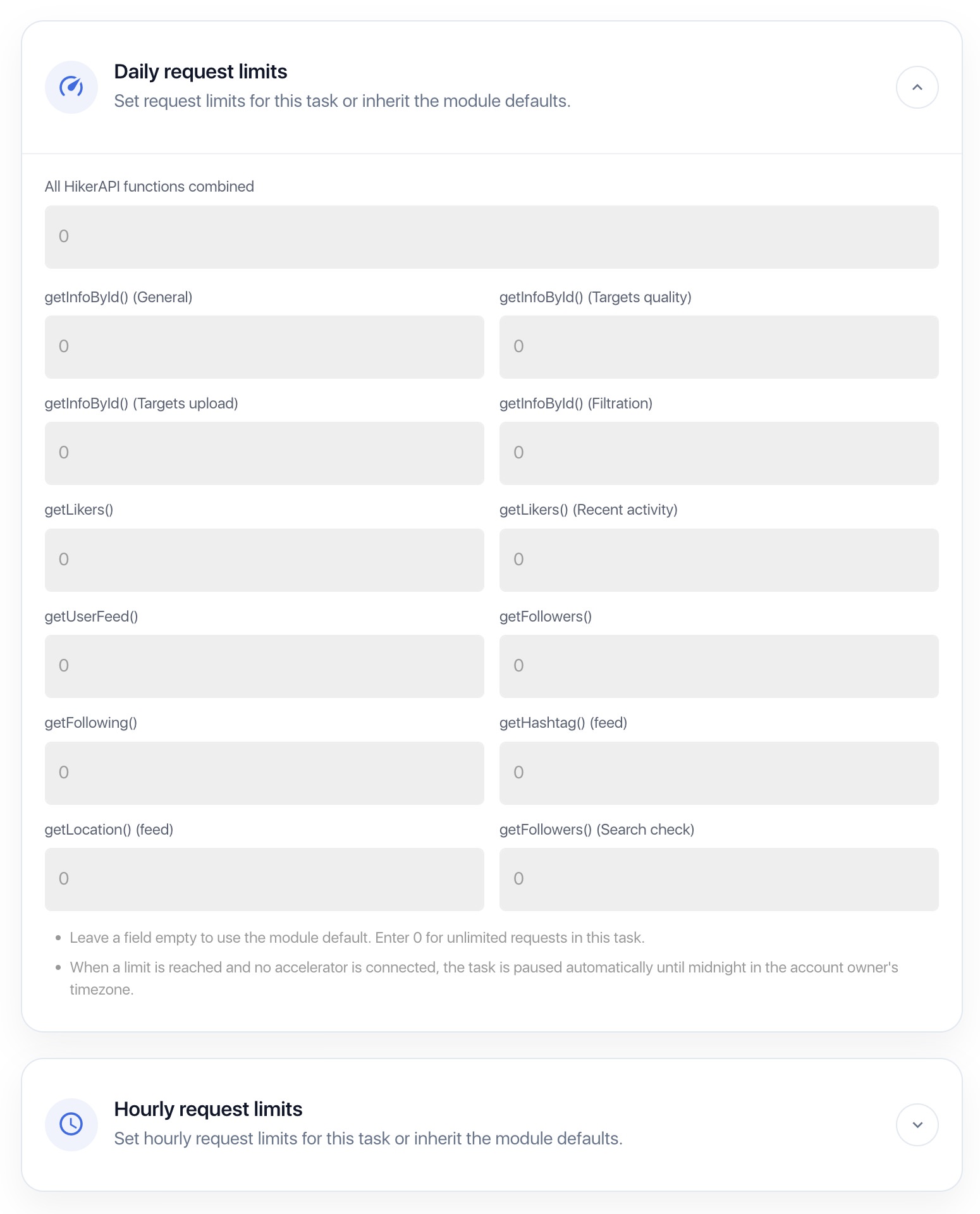
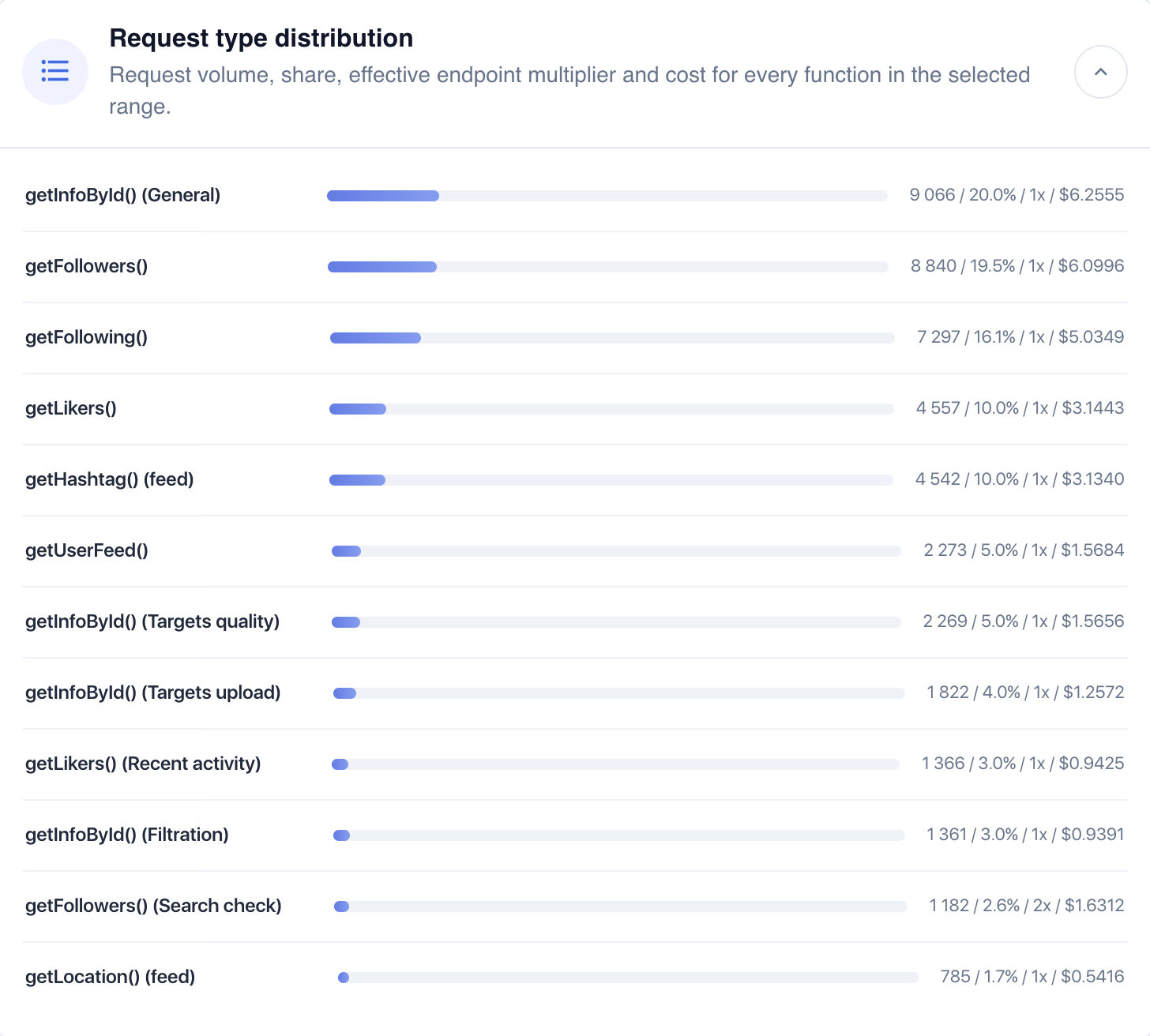
- Daily limits per function
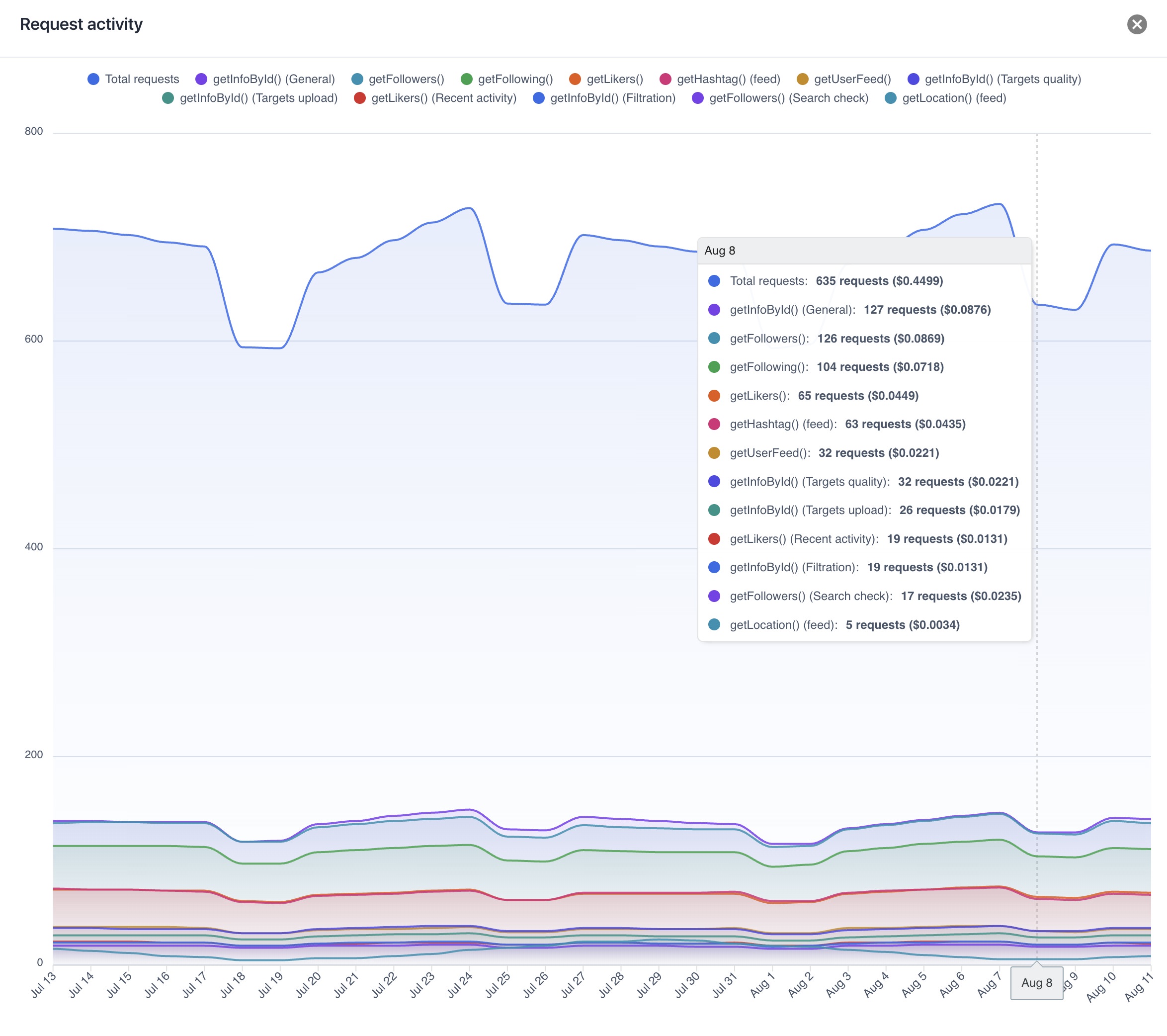
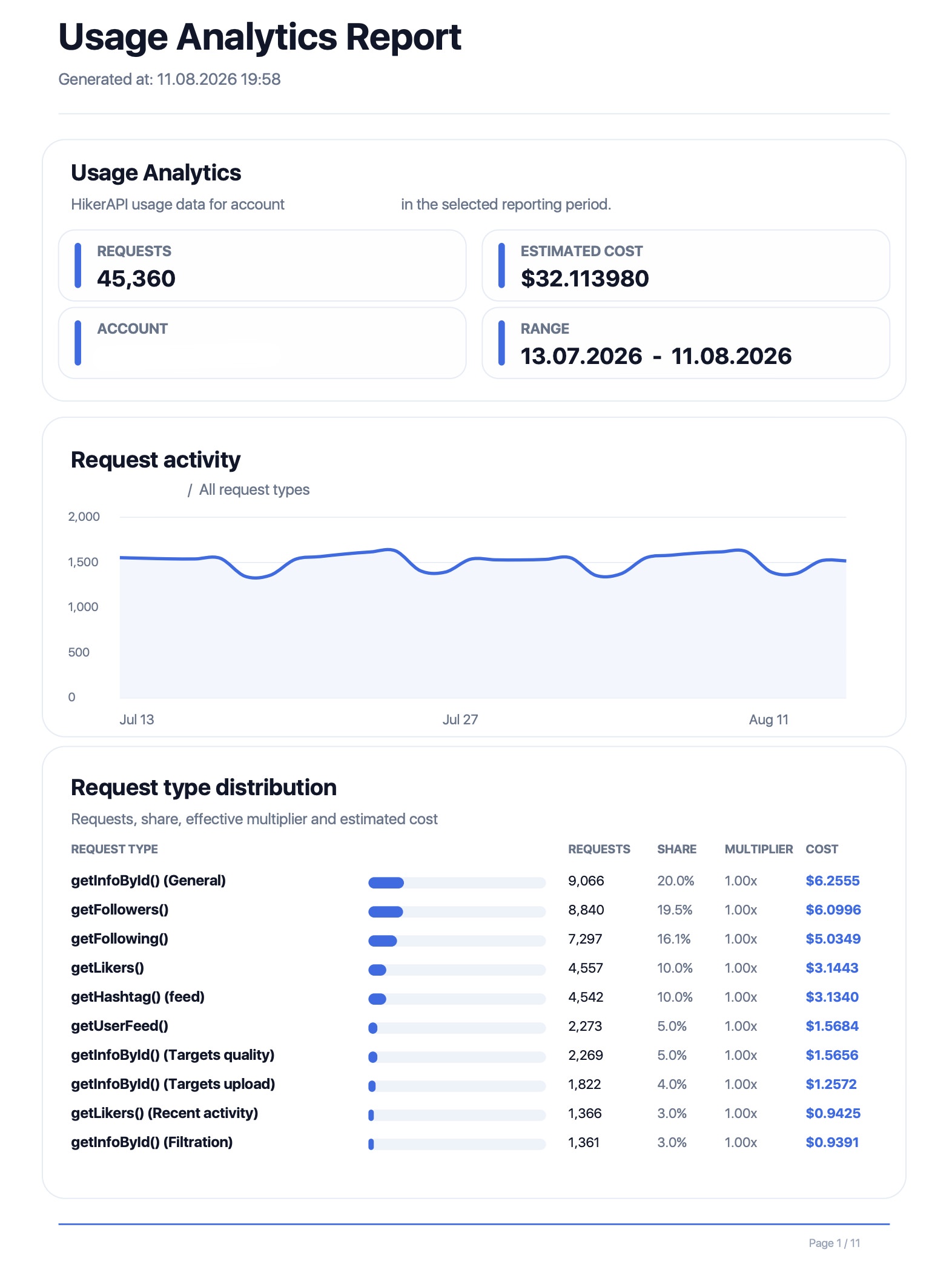
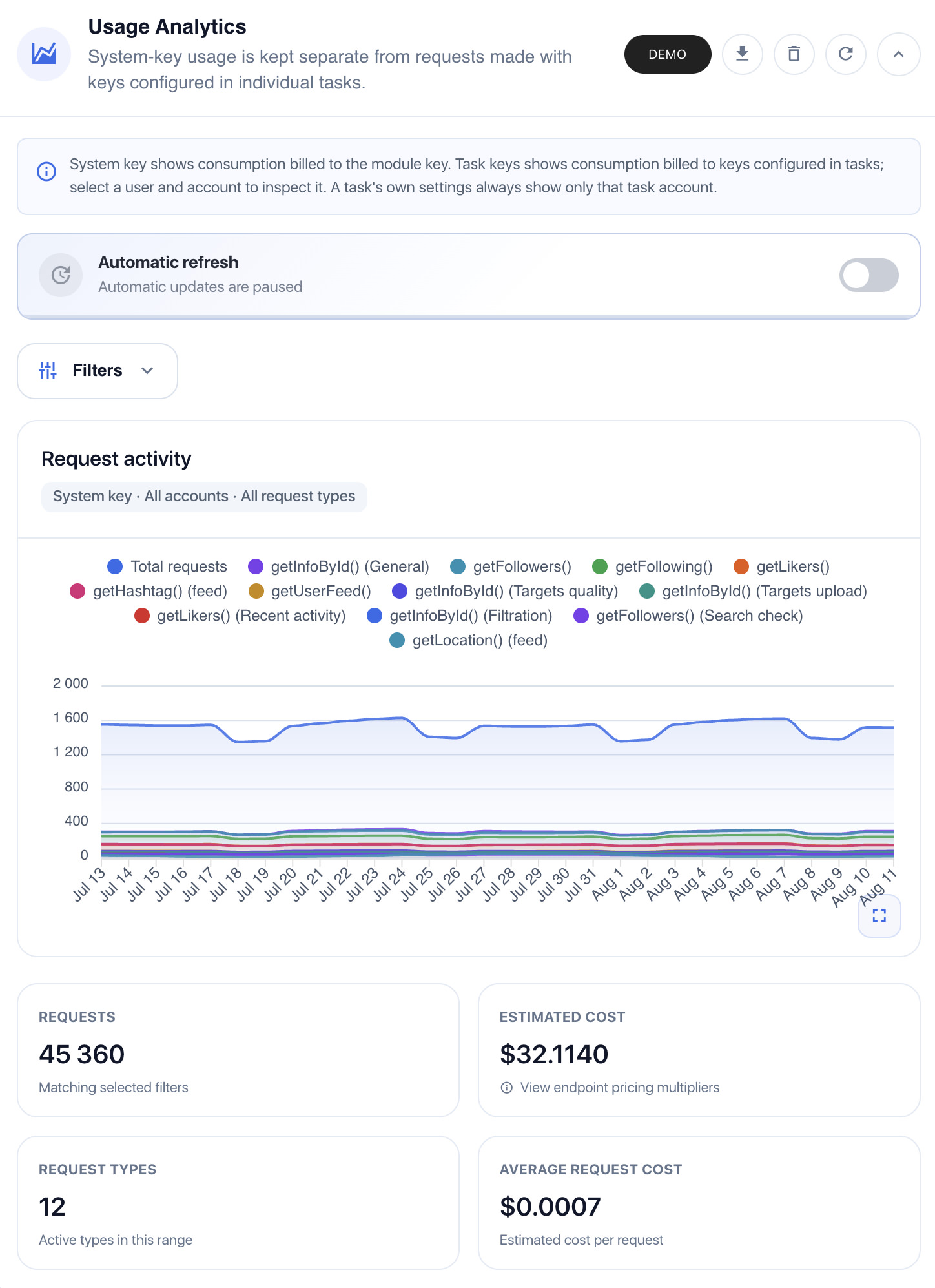
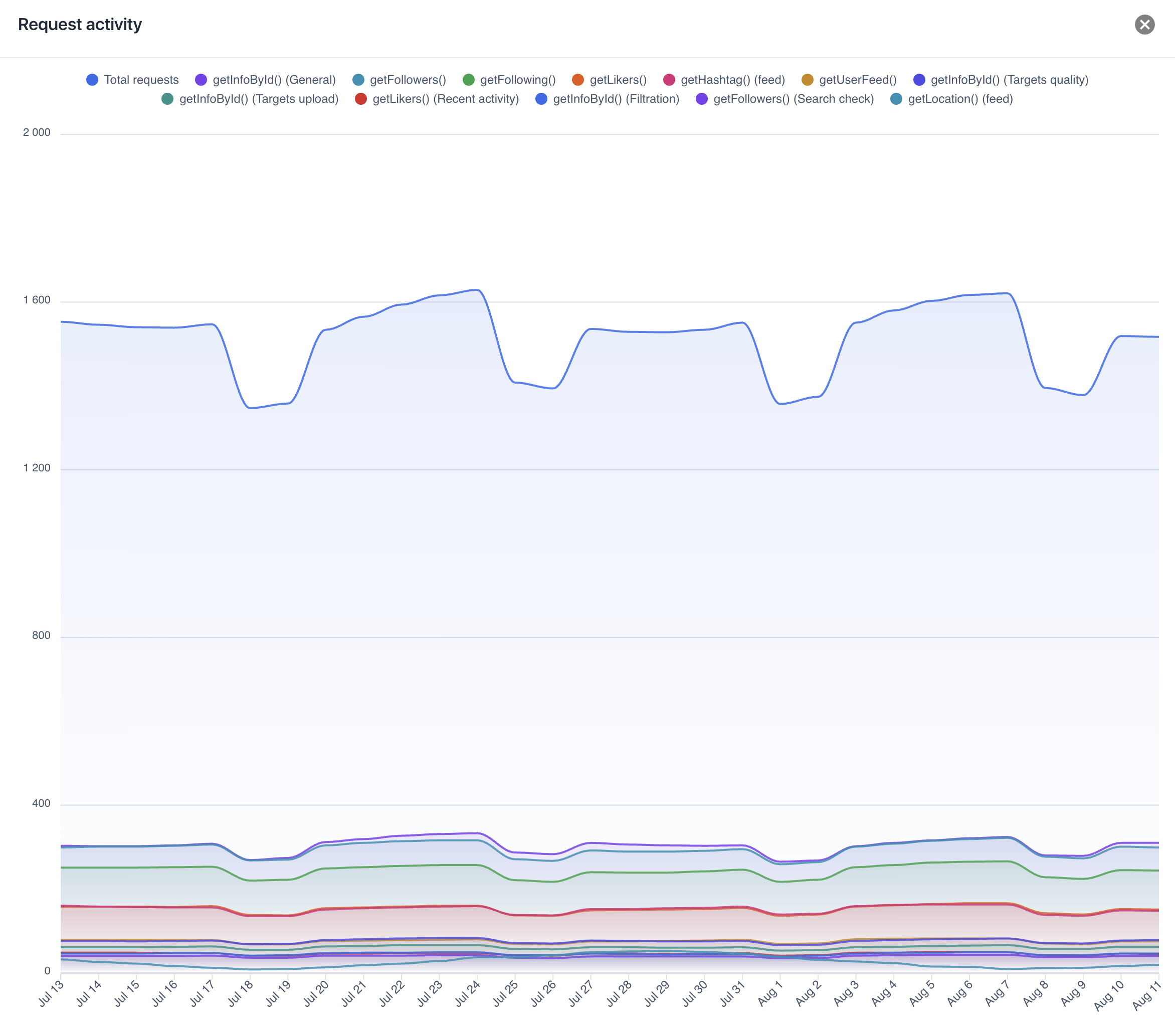
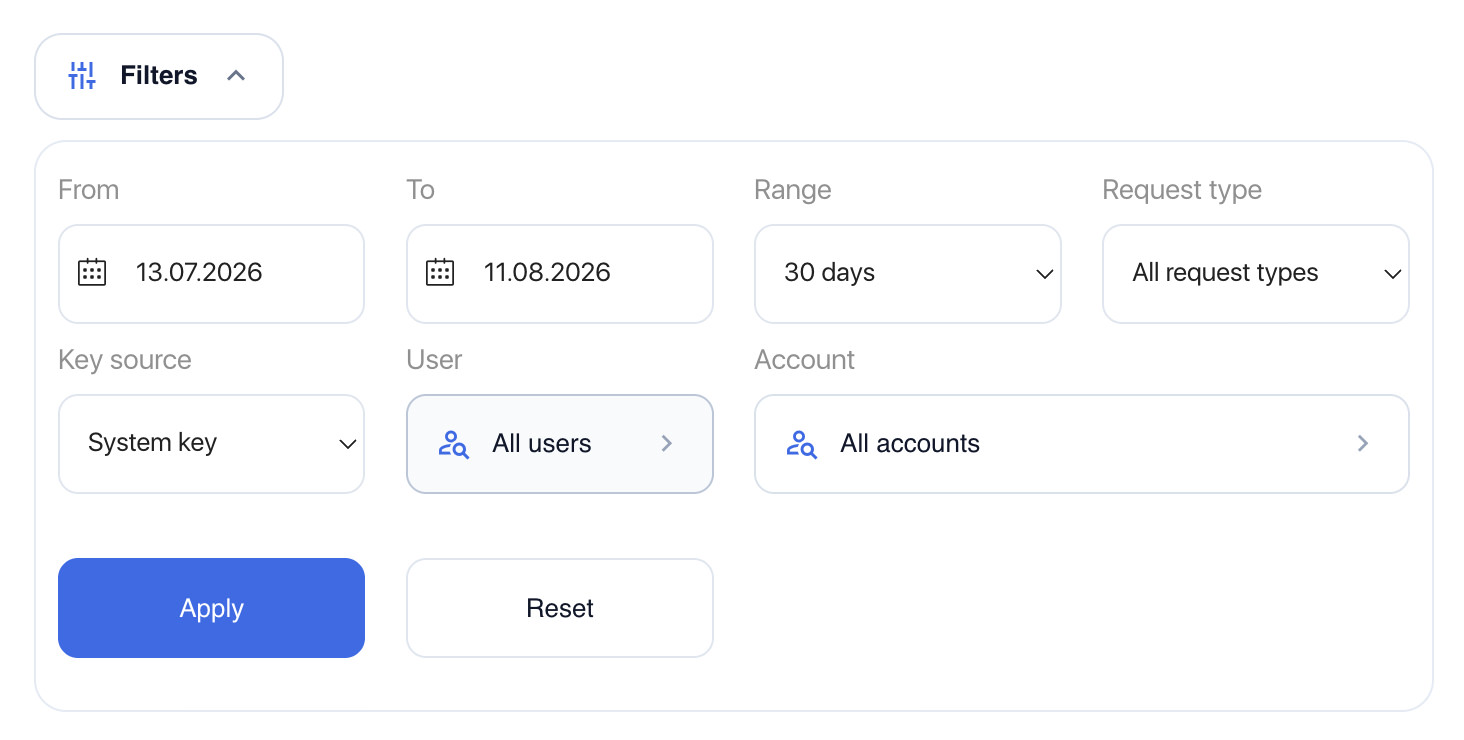
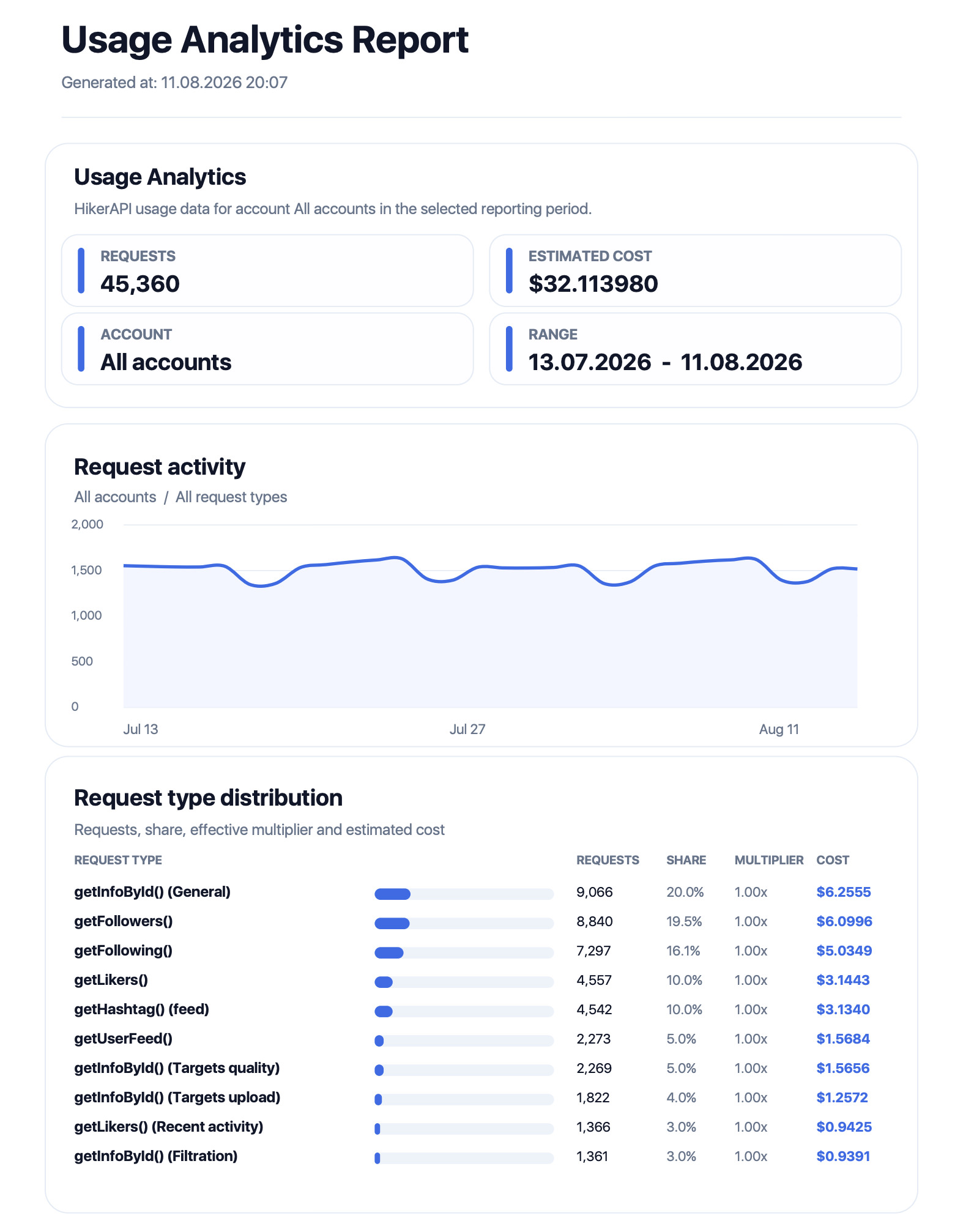
- Usage & cost analytics
- Account-level statistics
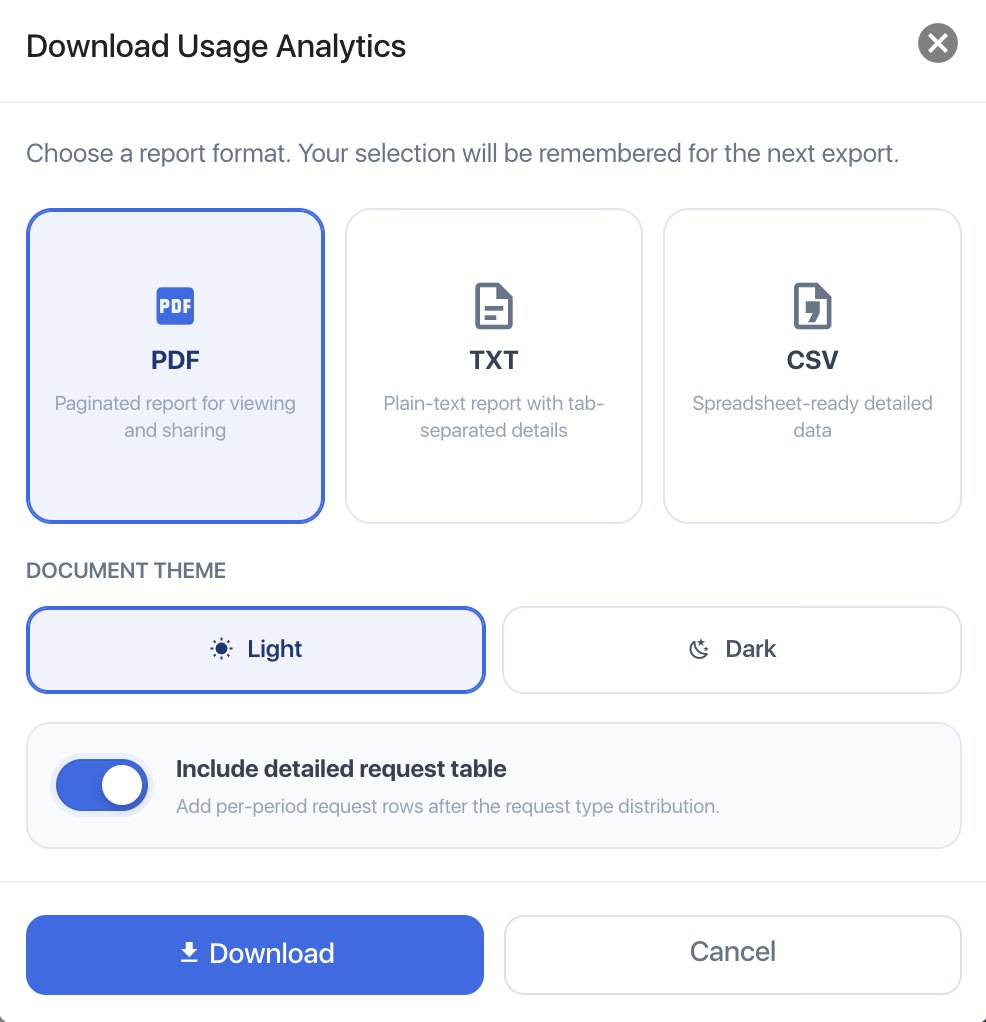
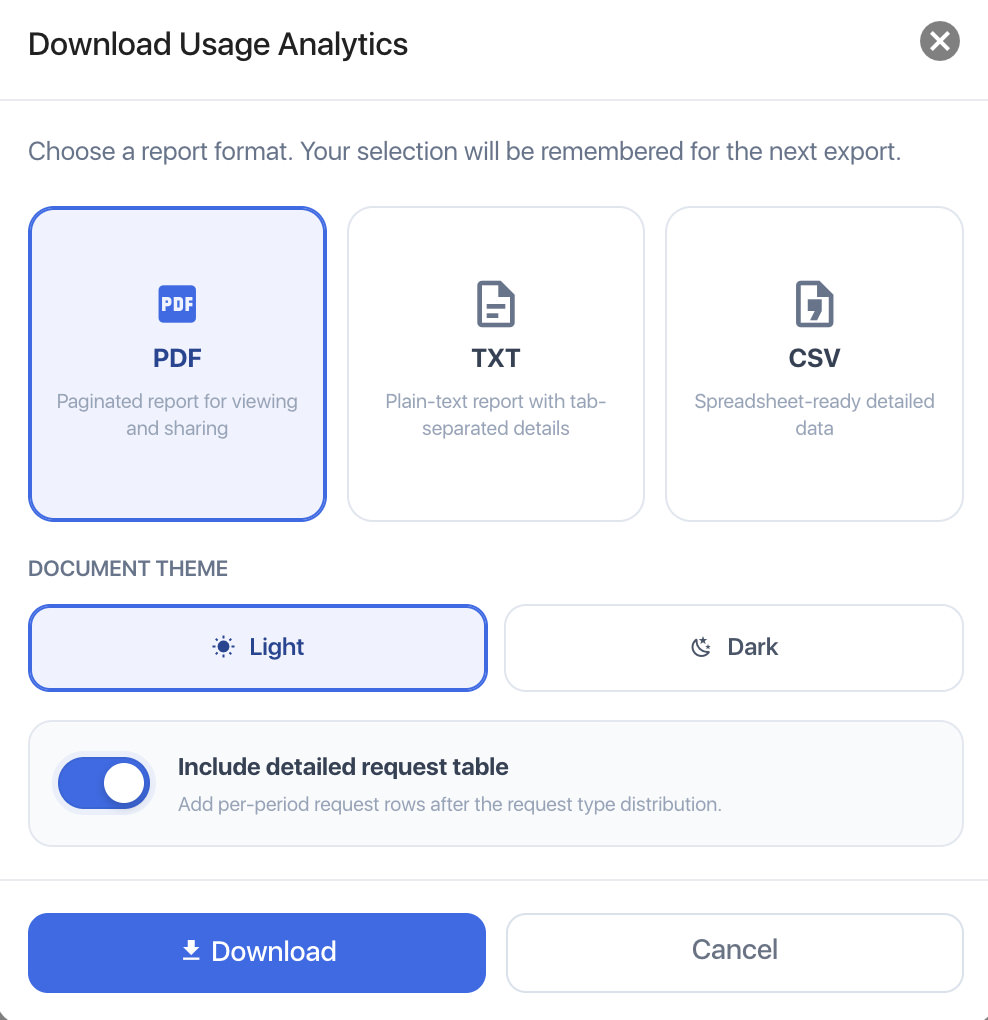
- PDF / CSV / TXT export
Reactions Pro (Task Level)
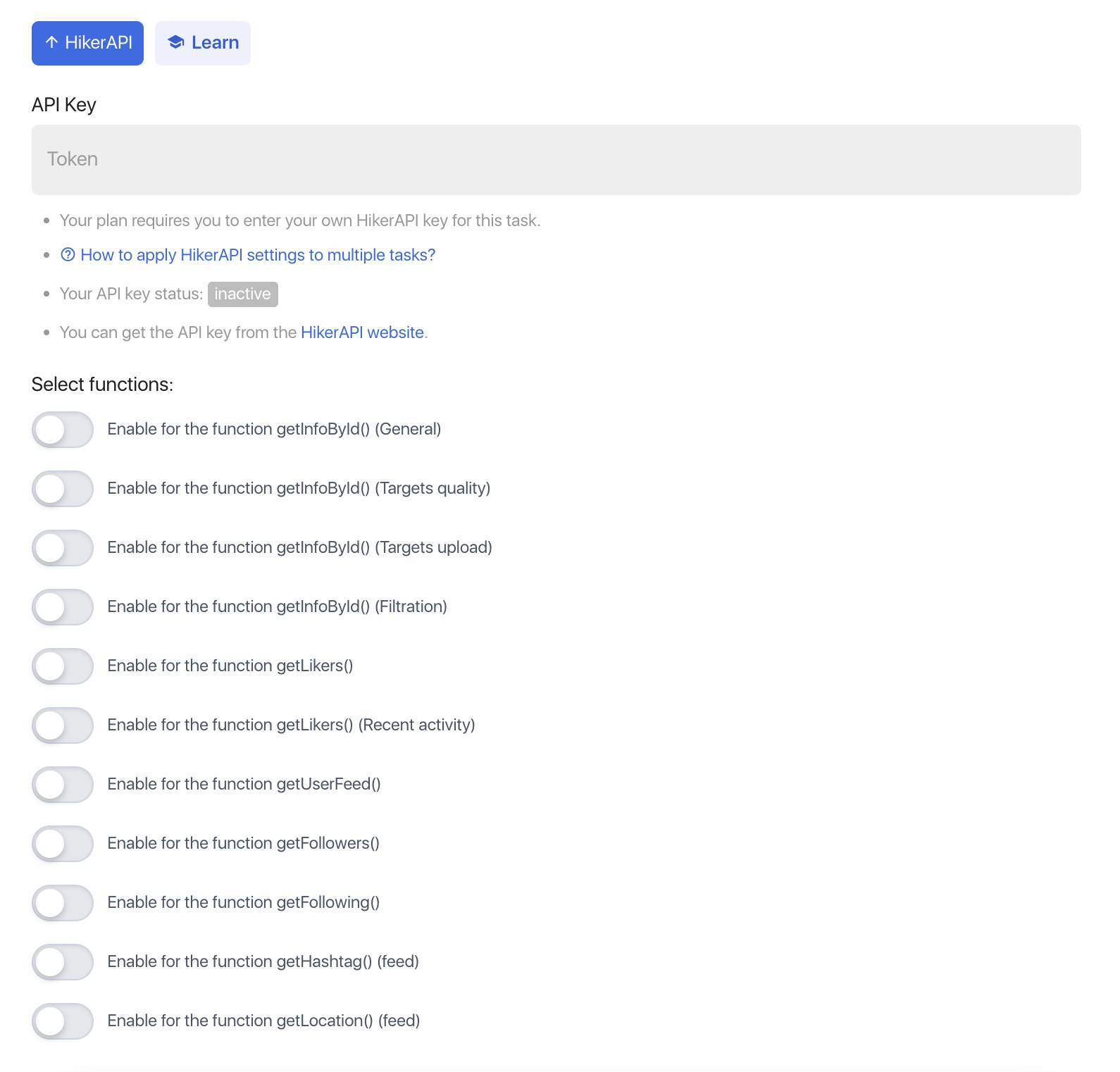
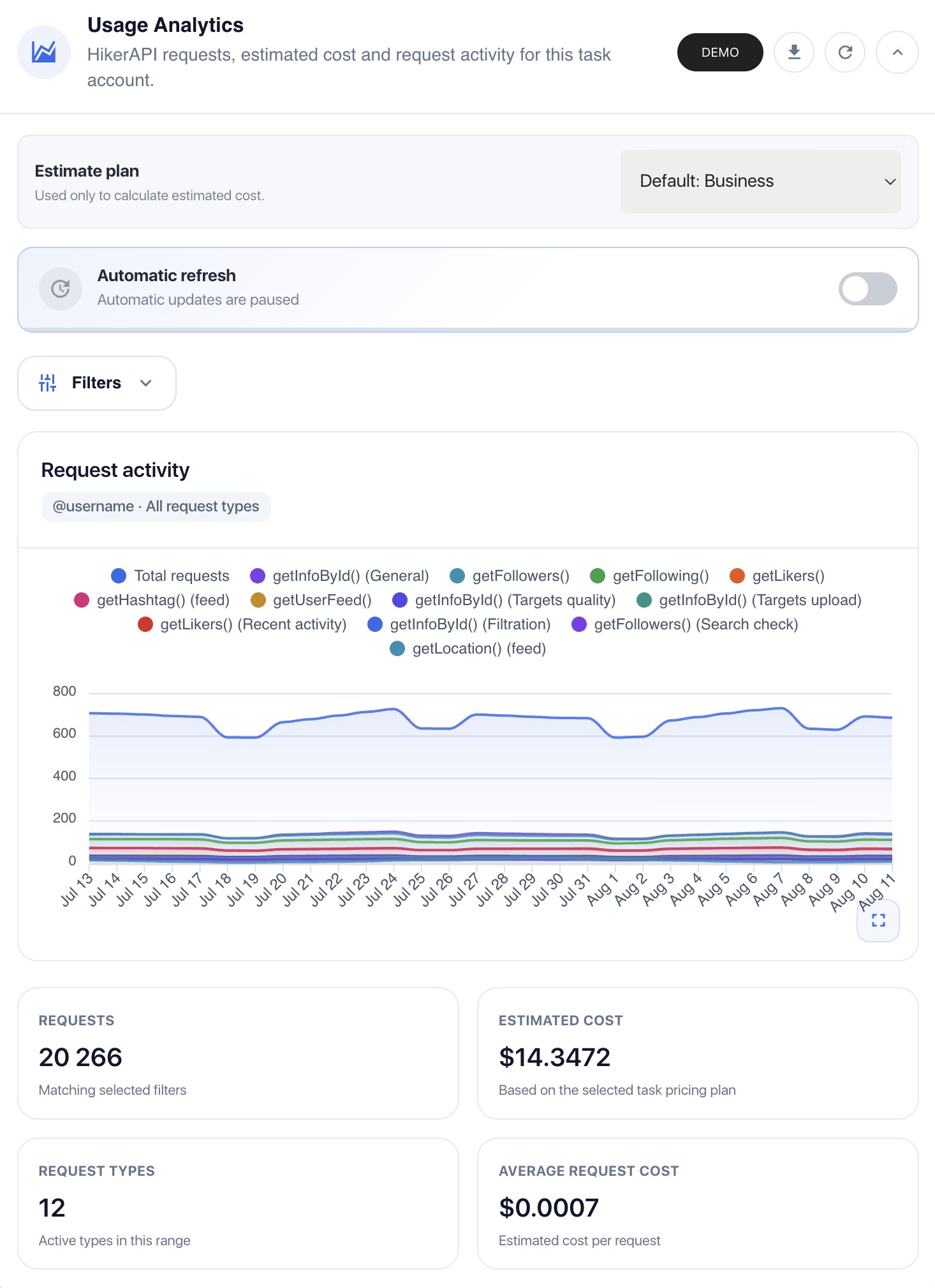
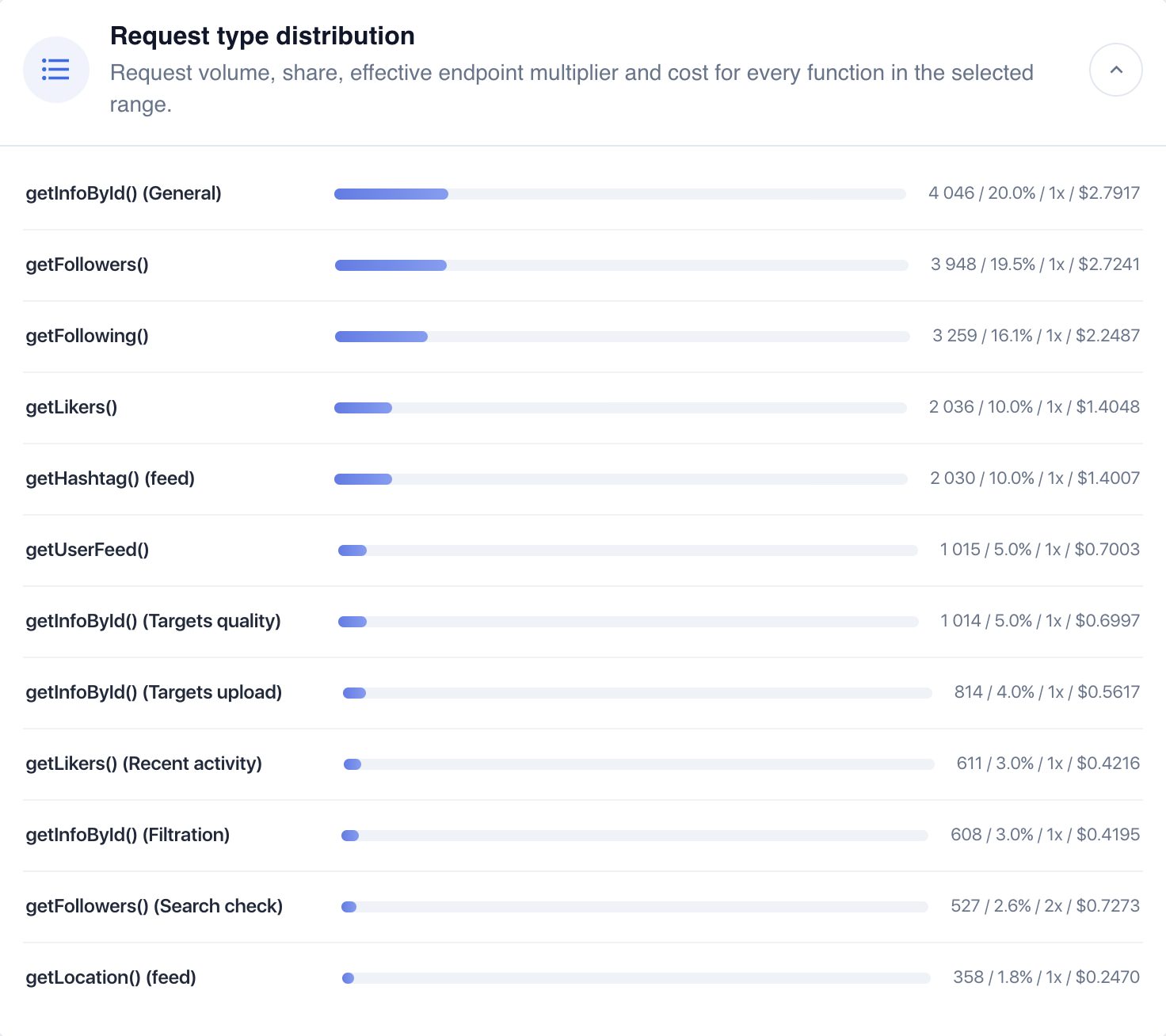
Module Settings (Admin Level)
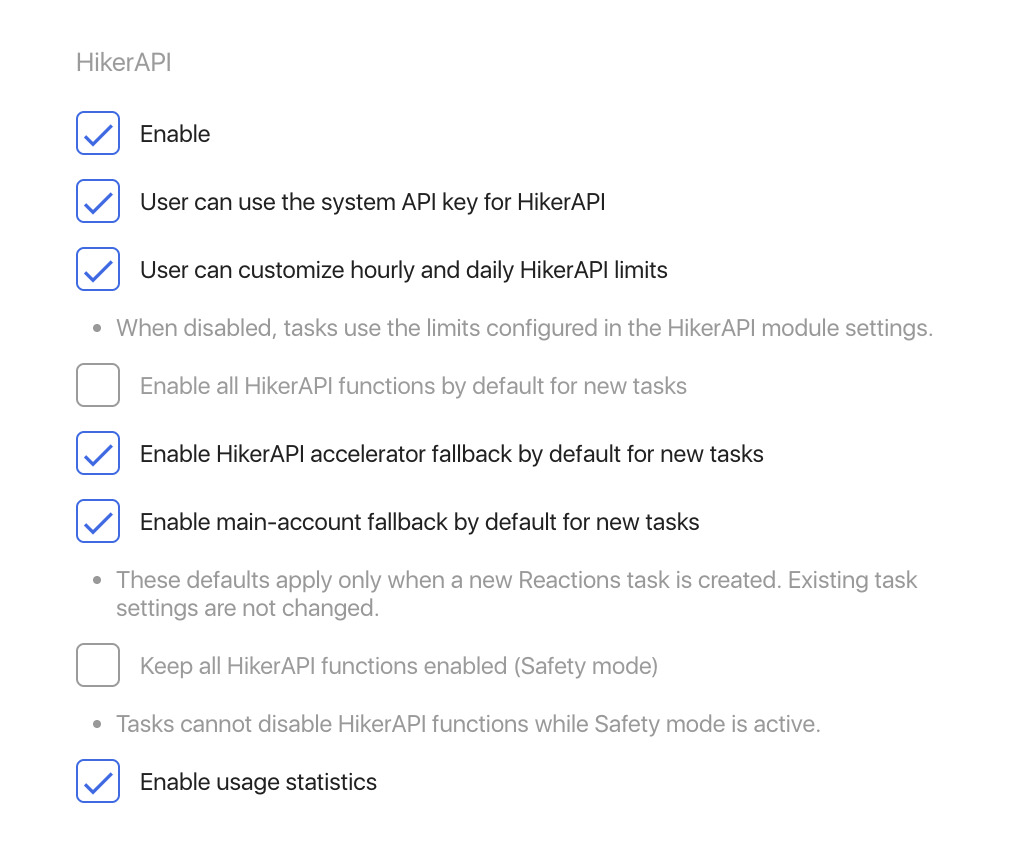
New to HikerAPI?
Create an account and start with free requests:
Extend Nextpost with an external data source
The HikerAPI module for Nextpost connects your Nextpost installation with the HikerAPI infrastructure and allows compatible Nextpost modules and tasks to retrieve Instagram data without relying exclusively on the Instagram accounts connected to your installation. Instead of using one of your accounts every time a task needs public profile information, followers, following, hashtag data or other supported information, the request can be routed through HikerAPI. This can be especially useful for data-heavy workflows, targeting, account discovery, filtering and large-scale automation.
Why use HikerAPI with Nextpost?
- Reduce dependency on connected Instagram accounts
Data retrieval operations can be moved away from your own Instagram sessions and processed through HikerAPI instead. This gives Nextpost tasks another source for obtaining the public Instagram data they require.
- Built for Instagram data
HikerAPI provides dedicated endpoints for Instagram profiles, followers, following, posts, reels, stories, comments, likers, hashtags, locations, search and other public Instagram data.
- Simple pay-as-you-go API model
HikerAPI uses prepaid pay-per-request pricing instead of requiring a traditional monthly API subscription. Funds do not expire, and new accounts currently receive free requests for testing.
- No Instagram credentials required by the API
You do not need to provide your own Instagram login credentials to HikerAPI. The service handles communication with Instagram while your Nextpost installation communicates with the API using an API key.
Designed specifically for Nextpost
The module works as an integration layer between your Nextpost installation and HikerAPI. Once configured, supported Nextpost functions can send data requests through the API while the module handles usage accounting, request limits and statistics.
Supported request categories include:
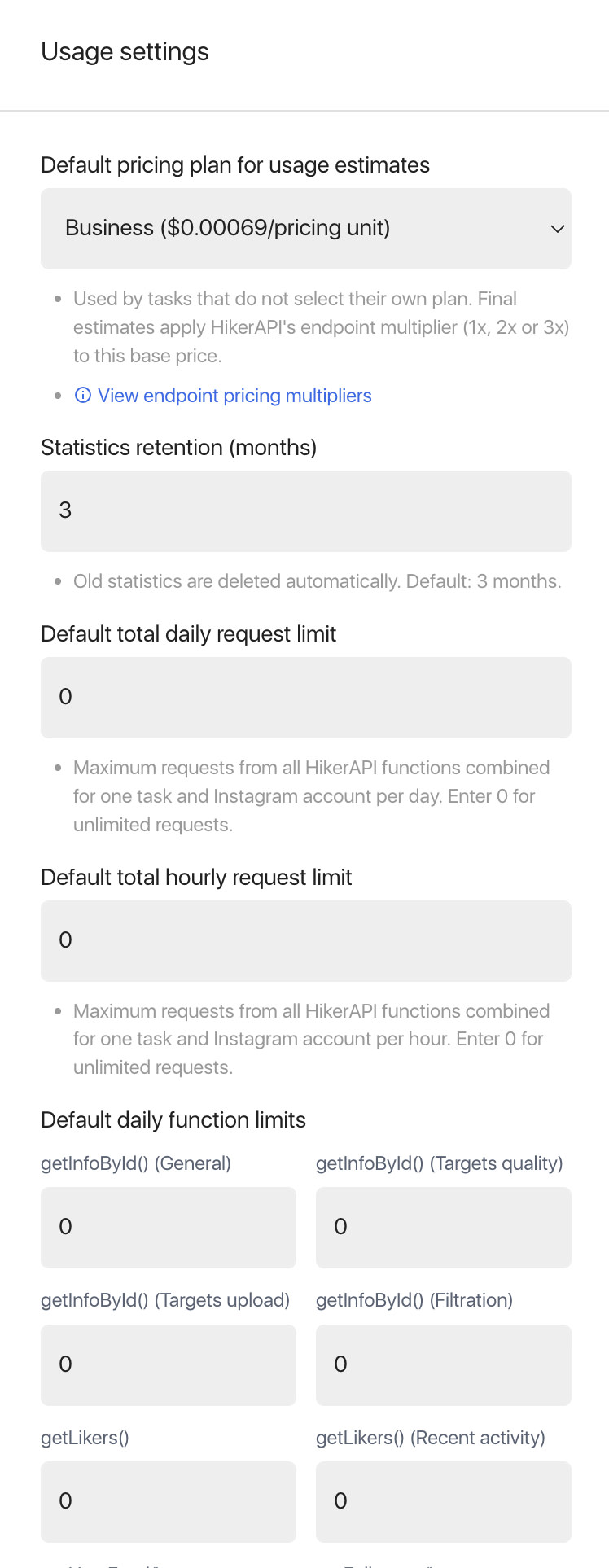
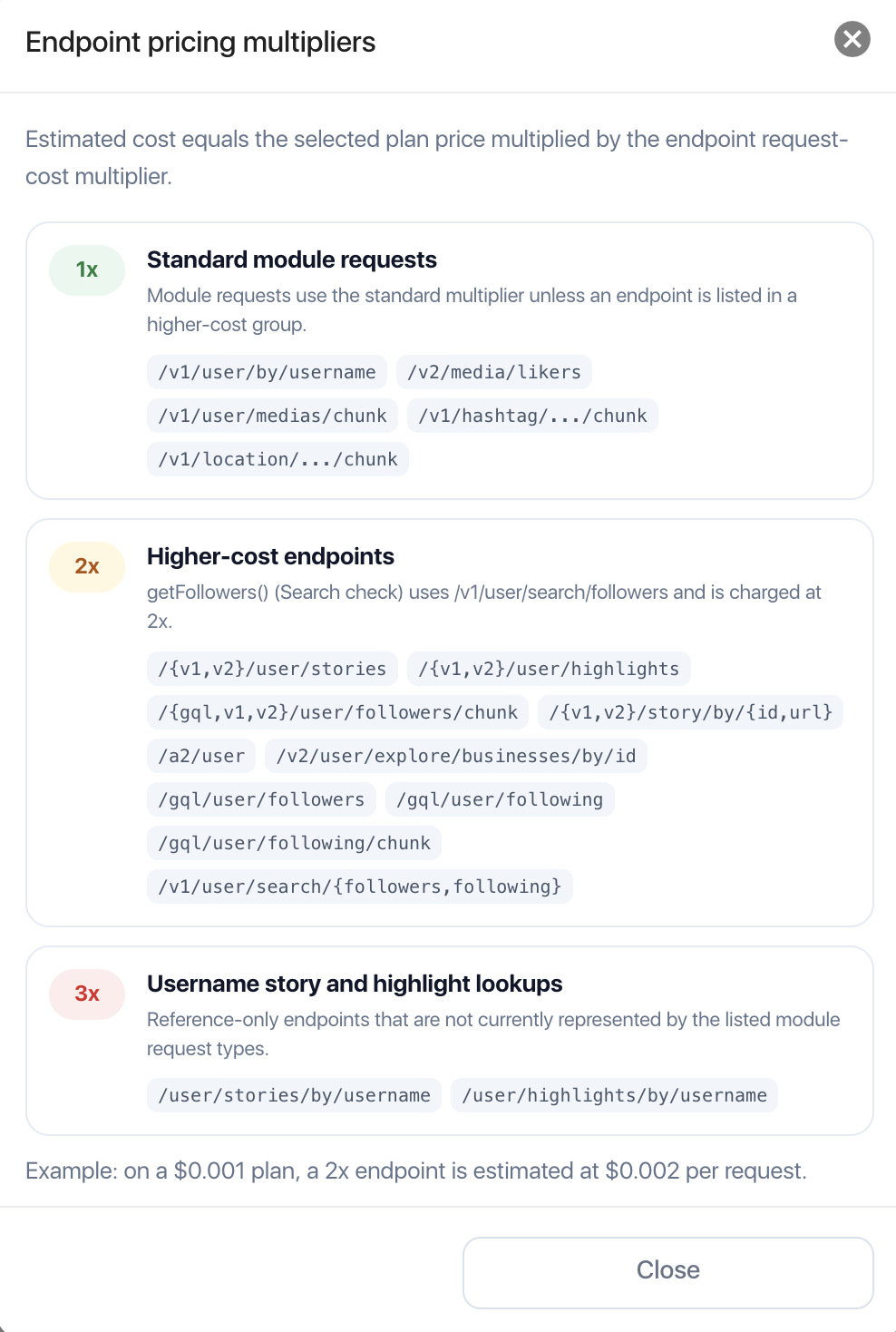
getInfoById()— GeneralgetInfoById()— Targets qualitygetInfoById()— Targets uploadgetInfoById()— FiltrationgetFollowers()getFollowers()— Search checkgetFollowings()getHashtagFeed()getLocationFeed()getLikers()getUserFeed()
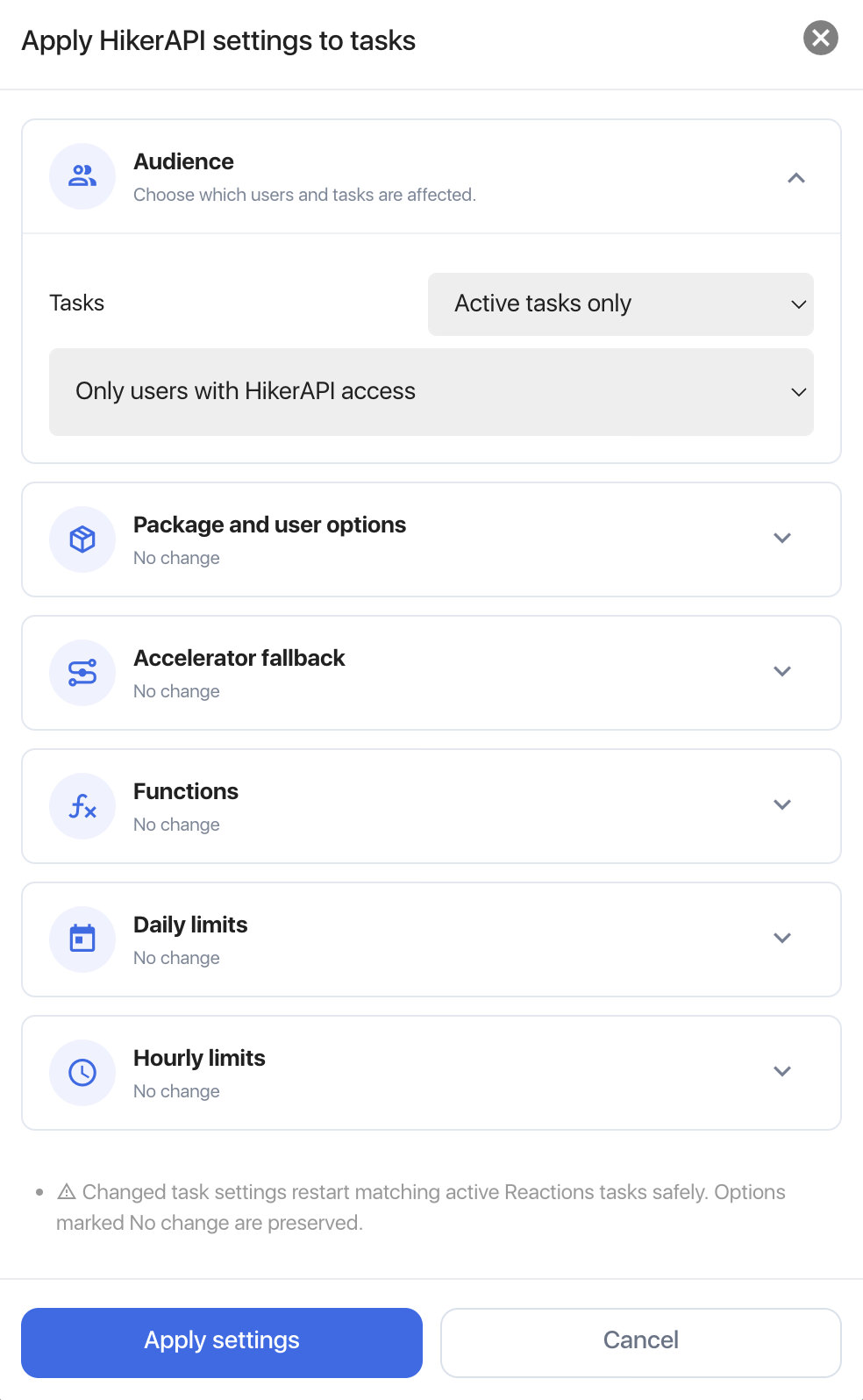
This allows different parts of the Nextpost ecosystem to use their own independent API limits instead of sharing one global request limit.
Requirements
To use the module you need:
- Nextpost 4.0 or higher
- A compatible Nextpost module that supports the integration
- A HikerAPI account
- A valid API access key
- Available API balance for requests beyond the free testing allowance
Create your HikerAPI account here →
Installation
- Download ZIP file of stable release or beta release
- Upload ZIP file of HikerAPI module to Nextpost on Modules page
- Once you installed the HikerAPI module click on Activate button to apply internal changes to add filters and a search function to the Accounts page
- Open the HikerAPI module settings
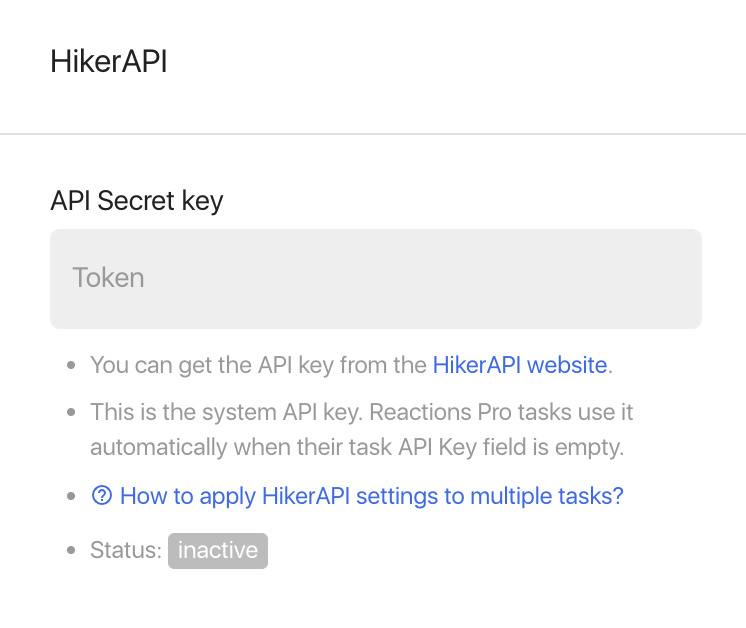
- Add your HikerAPI API key
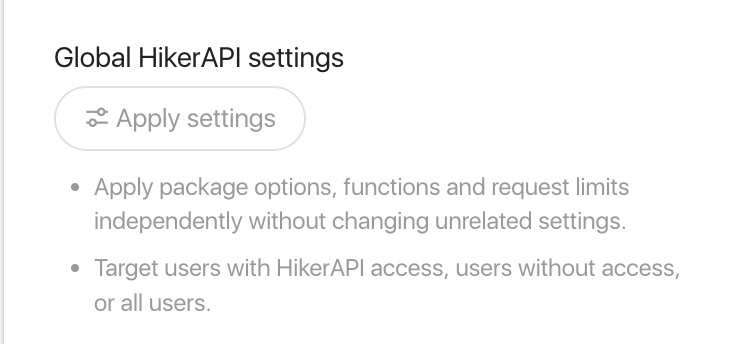
- Configure your default pricing plan and request limits
- Save the settings
The integration is now available to supported Nextpost modules and functions.
Upgrade to version 2.0
- Open HikerAPI module to Nextpost and copy your HikerAPI API key (we will need it later)
- Delete your current HikerAPI module to Nextpost (it’s safe, you data and settings will not be removed)
- Download ZIP file of stable release or beta release.
- Upload ZIP file of HikerAPI module to Nextpost on Modules page.
- Once you installed the module click on Activate button to apply internal changes to add filters and a search function to the Accounts page.
- Open the module settings.
- Add your HikerAPI API key (one we saved before at first step)
- Configure your default pricing plan and request limits.
- Save the settings.
Update (Automatic)
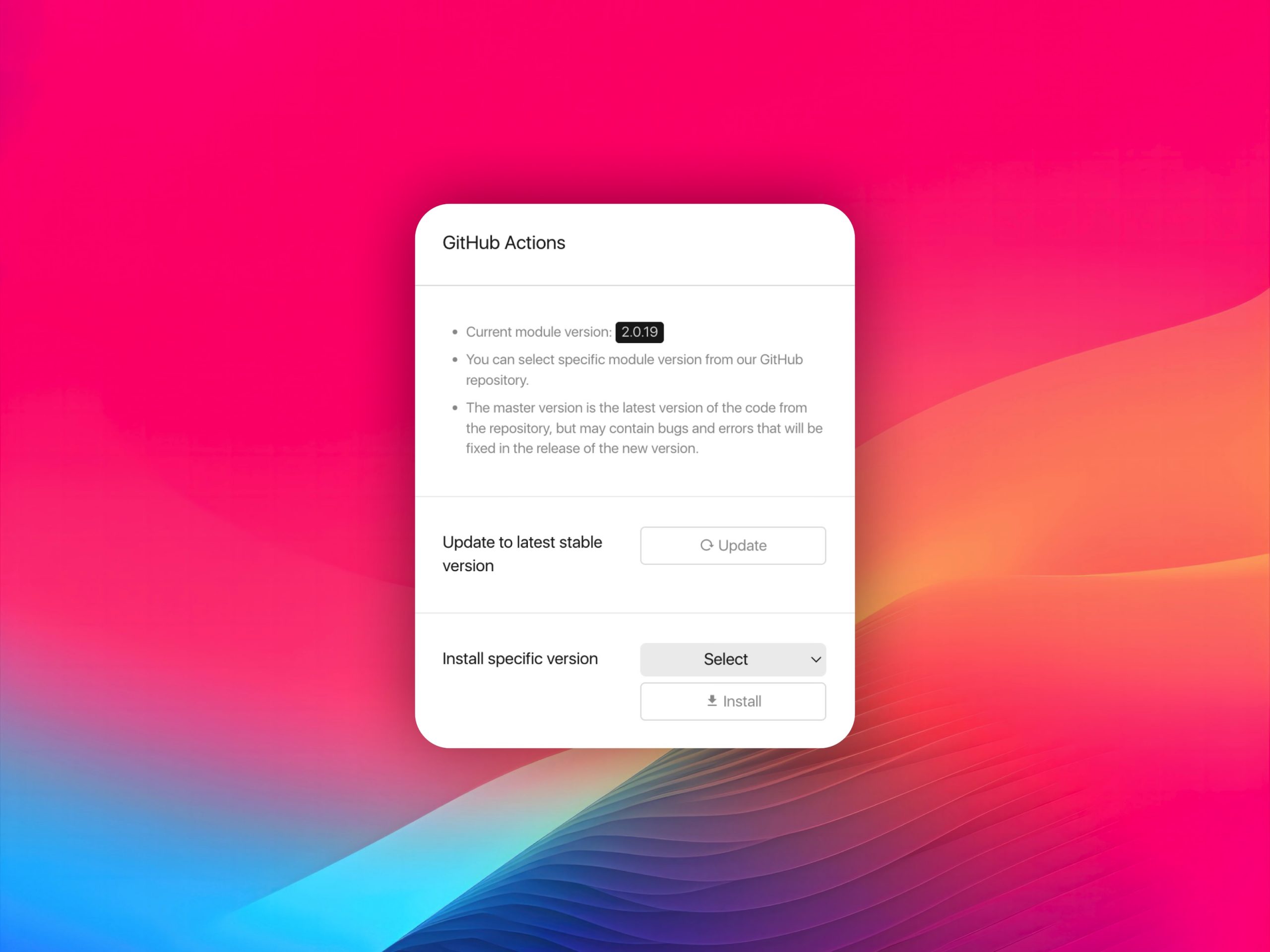
Since version 2.0 the module uses a licensed, step-by-step updater that downloads, prepares, validates, and installs the selected release.
Important
- The HikerAPI module for Nextpost is an integration product
- API requests themselves are provided and billed separately by HikerAPI and are not included with the Nextpost module license
- Your API balance, request pricing and availability are managed through your HikerAPI account
- Nextpost does not control third-party API pricing or service availability
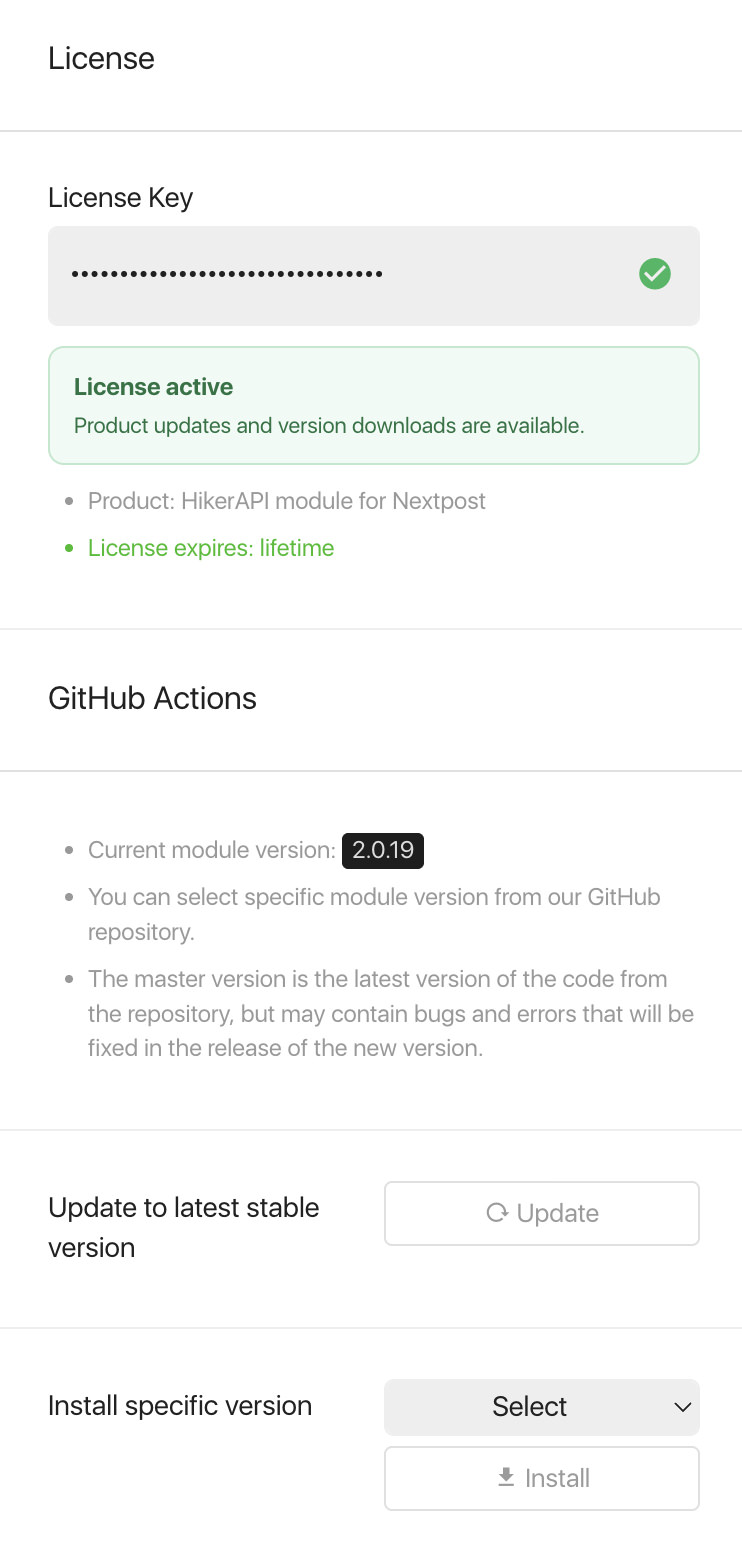
License Key
This product released via private GitHub repository without license protection. So you can skip this step.
Still thinking why do you need that?
Please contact us via website chat, we will try to find best options for you. And maybe demo access to our own SaaS platform.
Changelog
Listed in private GitHub repository (you need to join repository first).
Bugs
If you find an issue, please contact us via website chat.
Suggestions & Ideas
Anyone is welcome to contribute to Reactions Pro module for Nextpost. Please contact us via website chat if you have any idea or suggestion, we are always open for communication.
Support
This is a developer’s portal and should not be used for support. Please contact us via website chat if you need to submit a support request.
Paid Support & Help
Please contact us via website chat if you need additional help with your own project, we will try to find best options for you.

You must log in and be a buyer of this download to submit a review.