
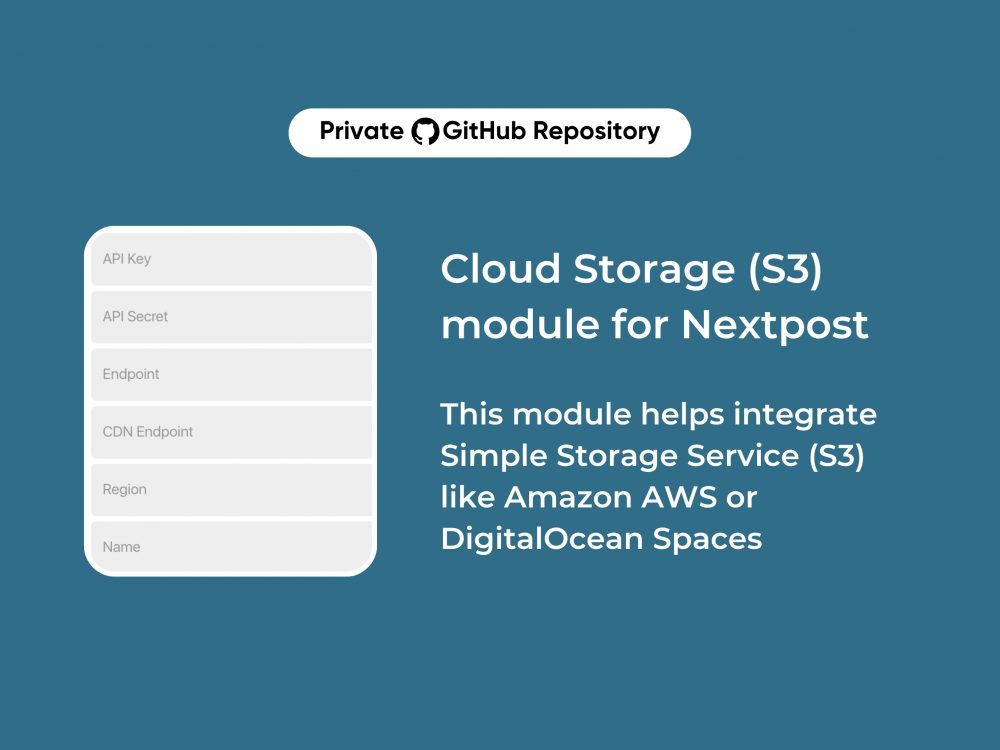
Cloud Storage (S3) module for Nextpost
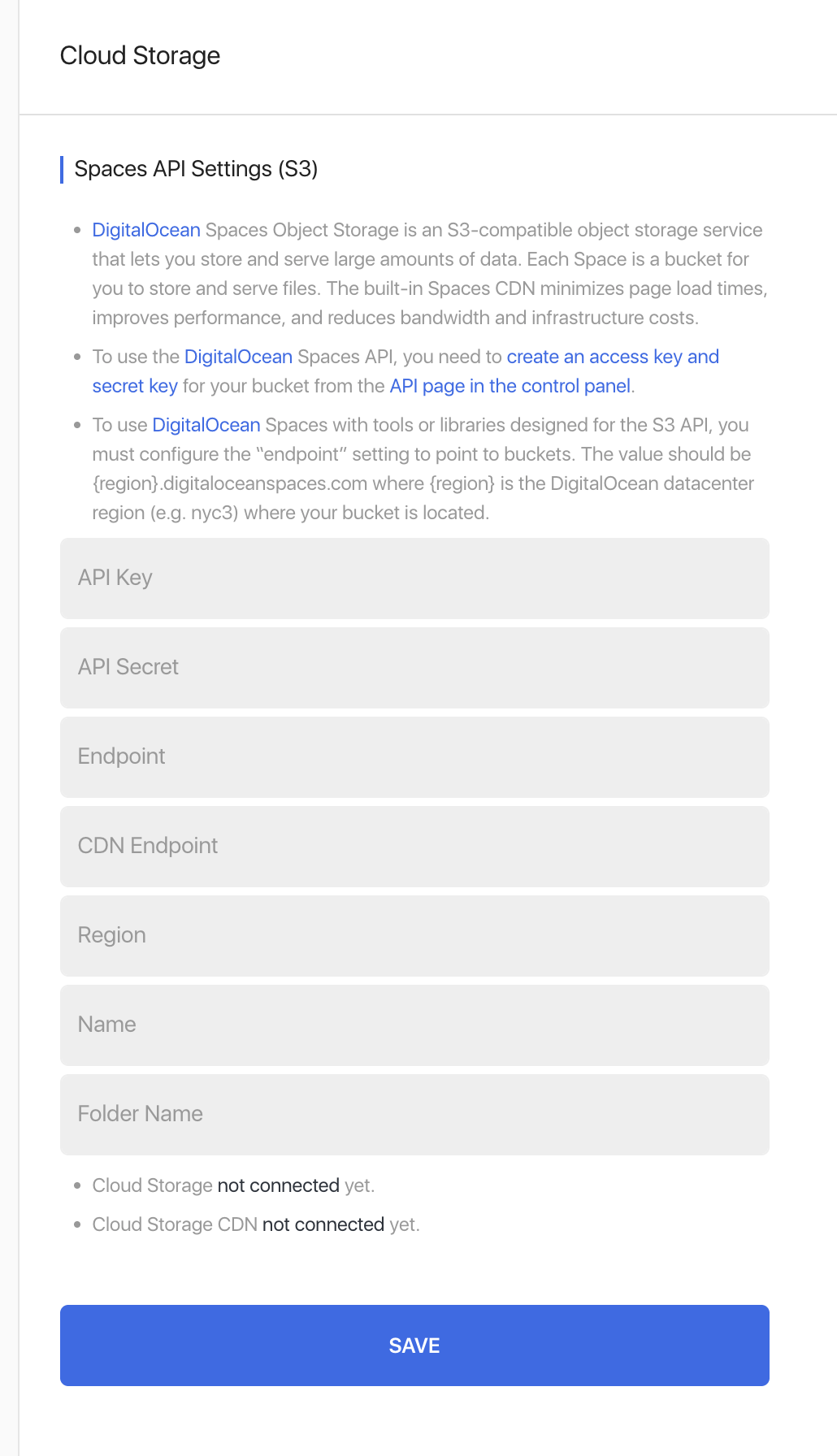
Cloud Storage (S3) Module for Nextpost allows you to connect your platform with any S3-compatible storage — including DigitalOcean Spaces, and store all media files externally instead of your local server.
Perfect for high-load automation setups, agencies, and SaaS environments where performance and scalability matter.
Why you need it
Running Nextpost with heavy media usage (images, videos, stories)?
Local storage becomes a bottleneck:
- Disk fills up quickly
- Server load increases
- CDN delivery is limited
This module solves all of that.
Key Features
- S3-compatible storage support
- Full integration with DigitalOcean Spaces
- Automatic media upload to cloud
- Serve files via built-in CDN
- Reduce server load & bandwidth usage
- Faster content delivery worldwide
- Easy setup (access key + secret key)
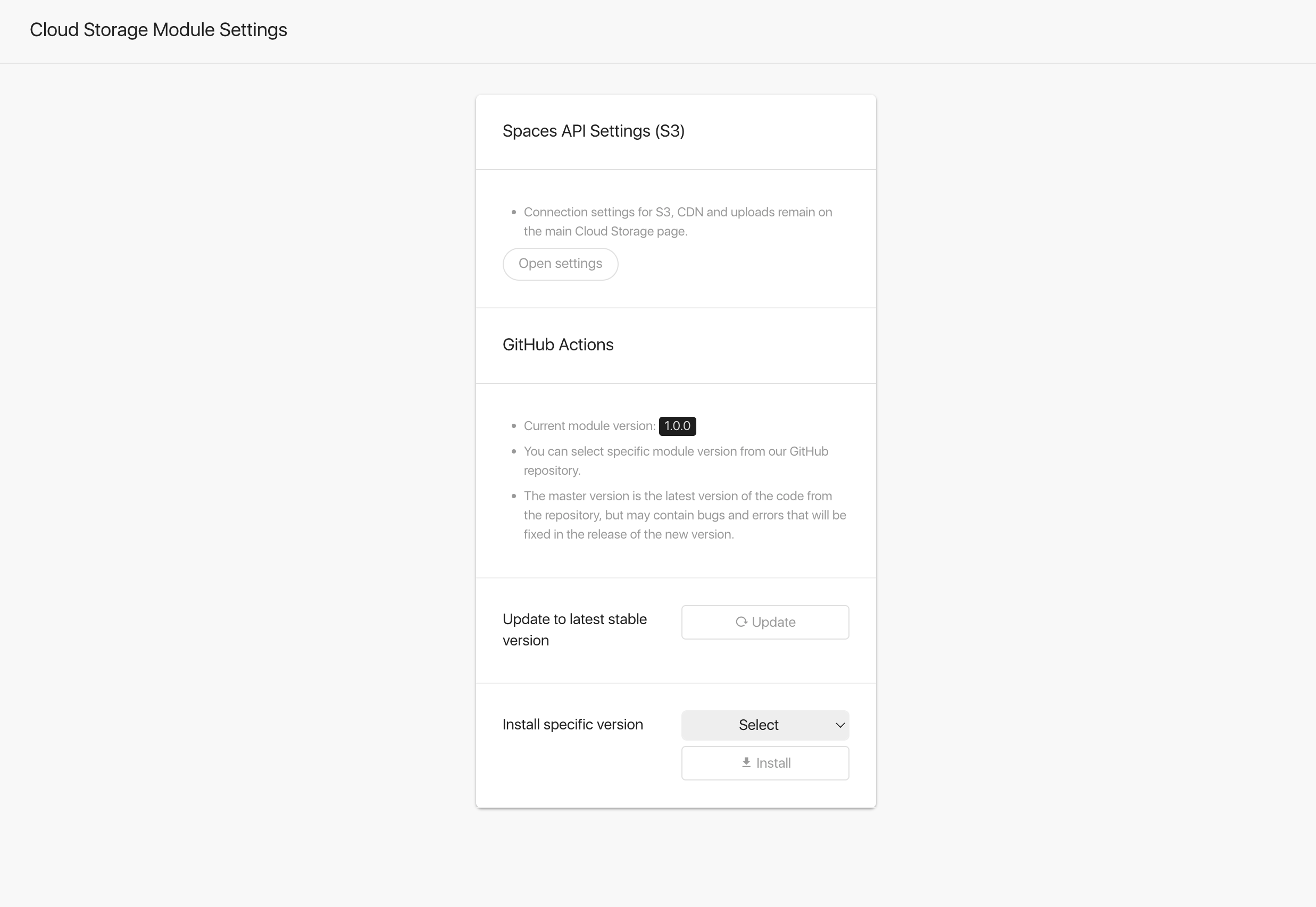
Preview
Installation
- Download ZIP file of stable release or beta release.
- Upload ZIP file of module to Nextpost on Modules page.
- Once you installed the module click on Activate button to apply internal changes to add filters and a search function to the Accounts page.
Update
- Open the module settings and navigate to the “GitHub Updates” section. Install either the module’s master branch or the required release.
-
Since version 1.0.0 you can use GitHub updates functionality to update the module to the latest version with one click.
-
If needed, you can also manually download the file of stable release or beta release.
License Key
This product released via private GitHub repository without license protection. So you can skip this step.
Still thinking why do you need that?
Please contact us via website chat, we will try to find best options for you. And maybe demo access to our own SaaS platform.
Changelog
Listed in private GitHub repository (you need to join repository first).
Bugs
If you find an issue, please contact us via website chat.
Suggestions & Ideas
Anyone is welcome to contribute to Reactions Pro module for Nextpost. Please contact us via website chat if you have any idea or suggestion, we are always open for communication.
Support
This is a developer’s portal and should not be used for support. Please contact us via website chat if you need to submit a support request.
Paid Support & Help
Please contact us via website chat if you need additional help with your own project, we will try to find best options for you.

You must log in and be a buyer of this download to submit a review.